Best Tool to Merge Multiple PST Files into One without Duplicates Items on Mac and Windows OS
Download Now
for Windows OS Download Now
For Mac OS Purchase Now
Full Version
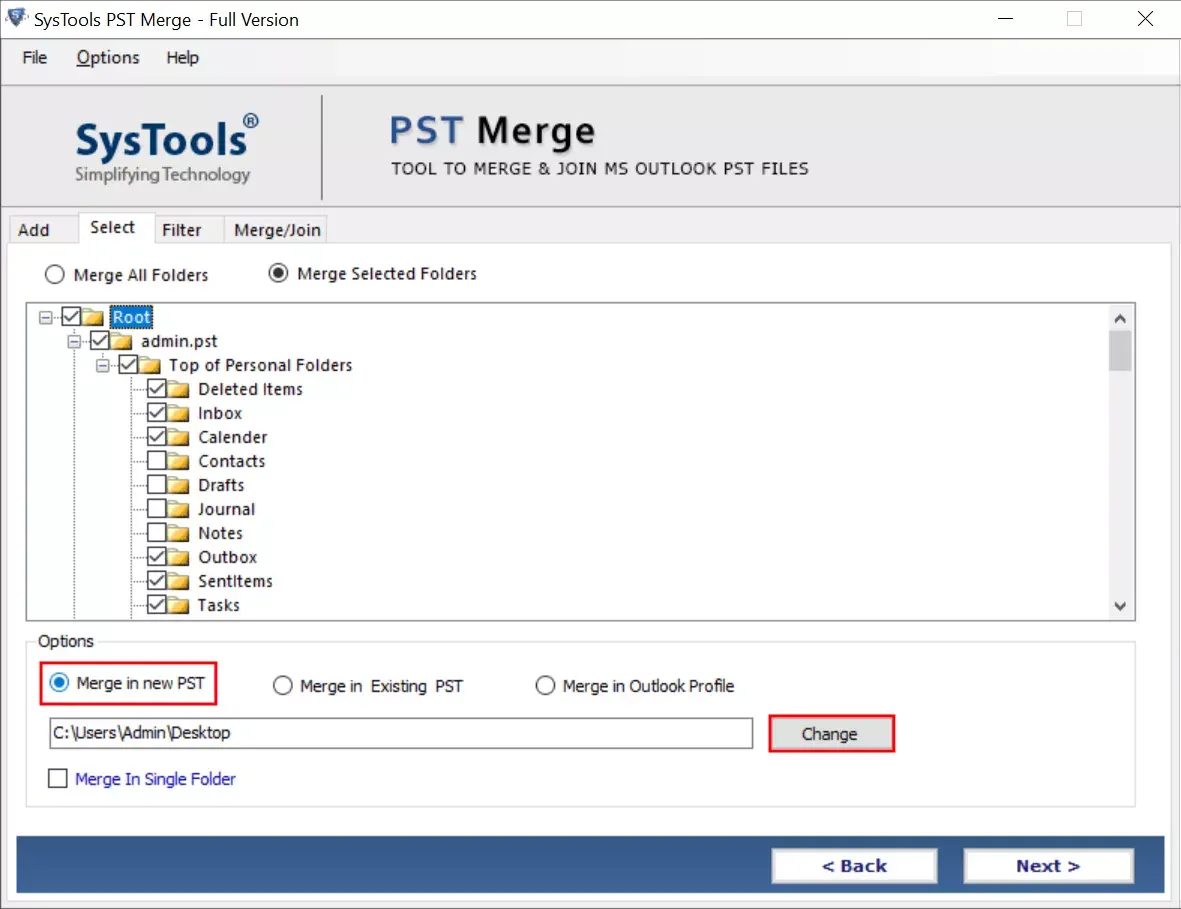
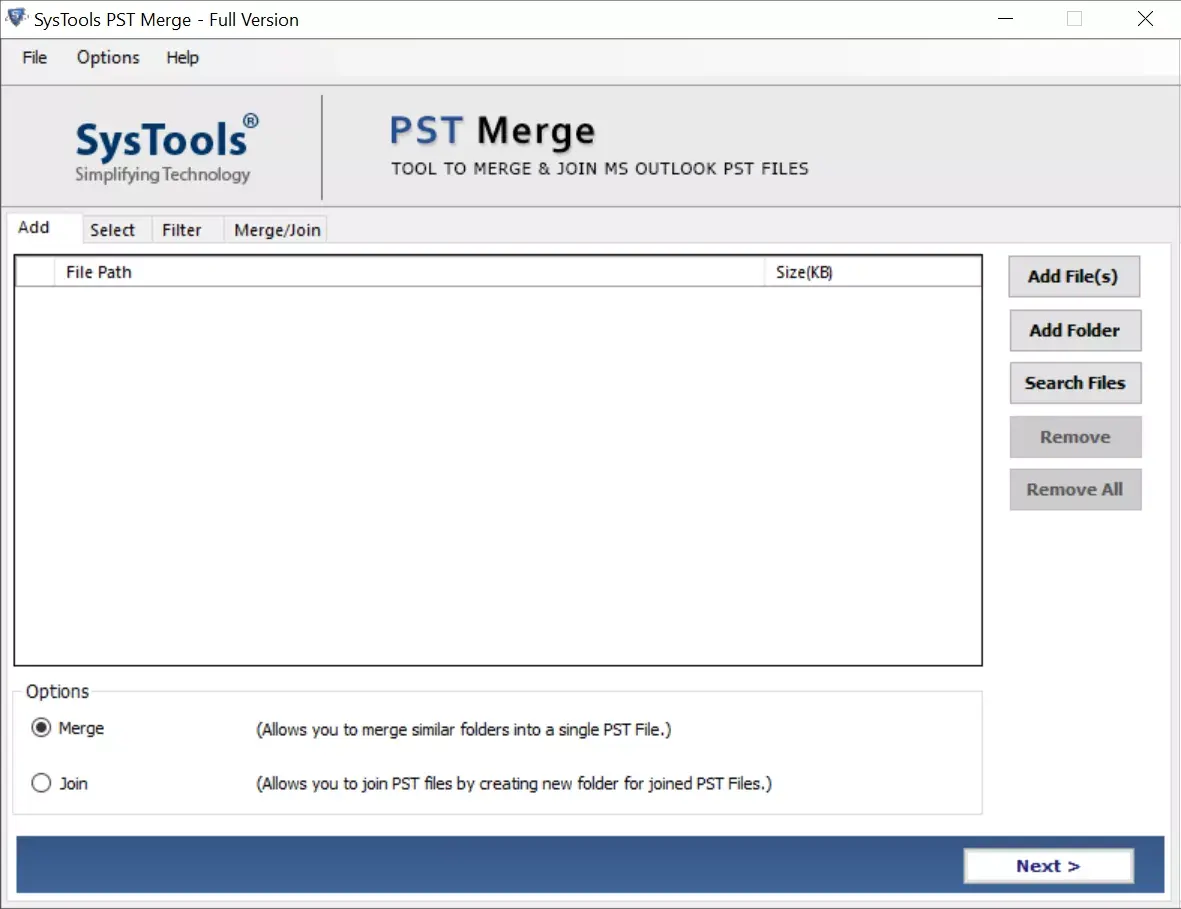
If you have 2 or more PST files and you want to merge all PST files. Then this is the perfect software to use on either Windows and Mac OS system. Follow the steps listed below and easily merge all PST files in New PST, Existing PST, or Outlook profile directly.
Understand Software Working by Watching This Video Online
Best Software to Merge Multiple PST Files with All Emails and Other Data
Major inbuilt features to merge multiple PST files into one in a hassle-free way:
Merge PST Files With Three Ways
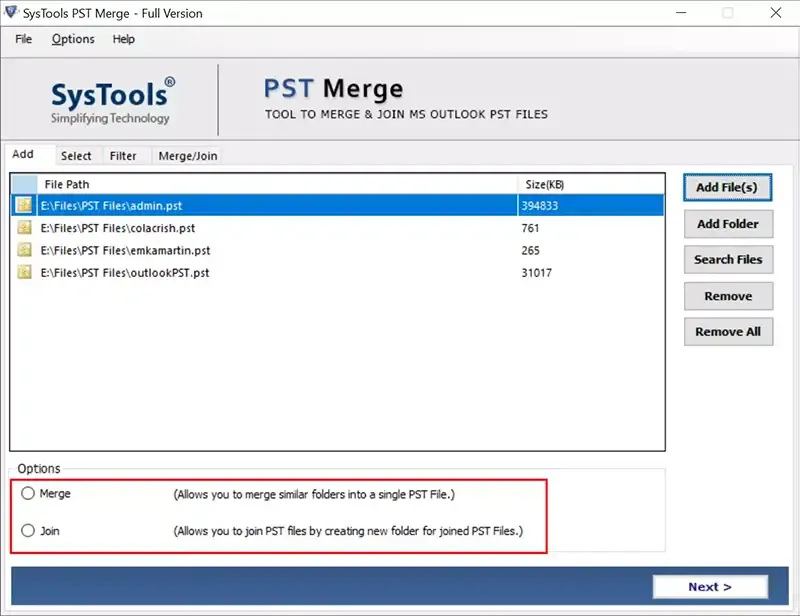
This PST Merge tool has three different options to manage PST files seamlessly. The user can choose one of the three options to join or merge PST files:
Merge Only Selected Folders
This PST merger software permit users to merge PST files without duplicates and size restrictions. It offers the choice to merge selected folders so that users select those folders which they actually want to merge or join. This option is useful for users who don't want to merge PST file folders. Just check the required folder and merge multiple PST files into one free in a matter of minutes.
Free PST merger permits you to merge all similar folders from multiple PST files like: inbox, sent items, drafts, and other user created folders into a single PST file.
Join Option to Join Files Together
PST merge freeware tool permits you to join two or more Outlook data files by generating new folder for the output PST file. Join option helps you in adding all files into an individual file having information of joined PST files in a respective new folder.
Remove Duplicate Data Items
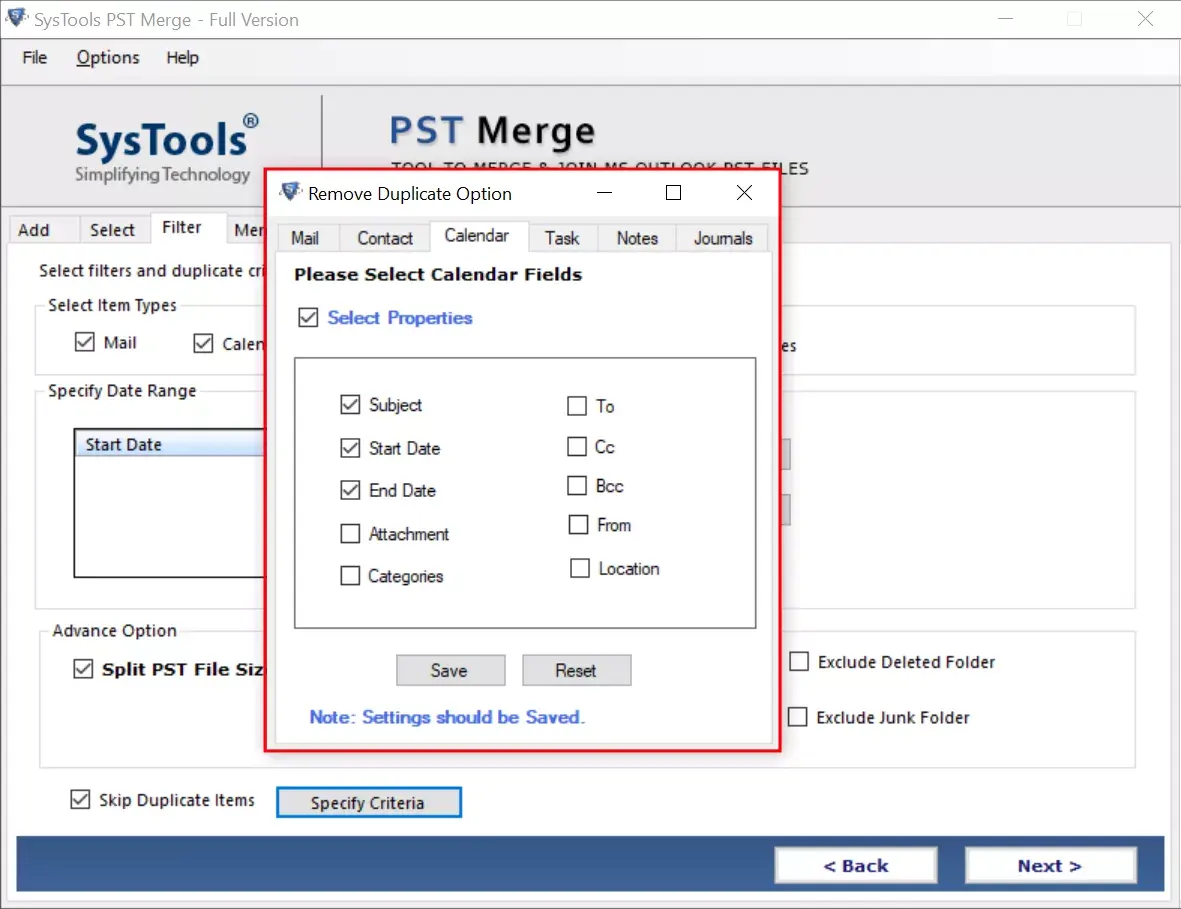
Free PST Merge tool allows you to merge a number of PST files together and simultaneously removes duplicate items; if any. You need to check and uncheck the Skip Duplicates option to enable / disable removal of Outlook duplicates respectively.
Merge Similar Types of Folders
Merge multiple PST files into a single file and for this you don't need to add all PST files one by one. As this PST merger provides an Add Folder option that helps in browsing multiple PST files at once. On the other hand, the Add Files option allows to add selected or limited PST files at a time to merge browsed PST files free.
Provides Exclude Deleted Items Option
While combining PST files, if you don't want to merge Outlook folders like: deleted items, sent items, etc.; then check the exclude deleted item folder check box. The PST file merge tool will not merge items from the selected folder, which will minimize the time consumed in merging PST files.
Get Complete Progress Report
As the merging process starts, the PST merge free tool will show a status of the merged PST files. After its completion, the PST merge tool generates a report displaying details like: number of PST files, total item count, name of file, duplicate items found, and merge PST files status. Also, it shows the merged file name, location, and duplicates that can further be saved as a CSV file.
Merge All Types of PST Files
Free PST merger tool is able to merge all types of Outlook data files. Users can easily merge ANSI and UNICODE PST files into a single UNICODE type PST. In addition, it supports to merge archive, password-protected, active and network files without any difficulty.
Download Free Demo Version and Test Installation and Features
Trial Limitations
The demo version of PST Merge software has limitations:
System Specifications
Hard Disk Space
100 MB of free hard disk space
RAM
Minimum 2 GB RAM is required
Processor
Intel® Core 2 Duo CPU E4600 @ 2.40GHz
Supported Editions
Additional Requirements
Find Answer Here Before Using This Software to Merge PST Files
Step by Step to Merge PST Files with This Software
Advantage of Having PST Merger Full Version
PST merge tool is the best solution to merge Outlook data file of any size, so I will recommend PST file merge tool to merge multiple PST files into one to all my friends and colleagues. Thanks guys for this helpful creation.
- Tom Mathew, USA
I wanted to merge multiple Outlook PST files into one which is not an easy task. Finally my friend jack tells me about PST merge software free download that helped me to combine multiple Outlook data files into single PST. Effective and easy user interface is highly impressing me. I appreciate team for such creation.
- Marry Toris, Canada
Copyright © 2015 - 2026 MSOUTLOOKWARE | All Rights Reserved.